
Should You Use AI Headshots in 2025?
Everything You Need to Know Before Using AI Photos on LinkedIn, Resumes, or Social Media
AI-generated headshots are changing how people present themselves online, and AI is leading the charge. But is it okay to use them on professional platforms like LinkedIn or personal sites like dating profiles?
In this guide, we’ll break down the key questions and concerns around AI photos, from legalities to image quality, and show why AI is the smart alternative to expensive photoshoots.
Can People Tell If Your Photo Is AI-Generated?
Not really, at least not if it’s made with Glitr
High-quality AI portraits generated look nearly identical to professional studio photos. But with cheaper tools, the differences can be obvious. Poor AI headshots often have: bad image examples Strange eye alignment or odd teeth
- Weirdly shaped earrings or distorted clothing
- Plastic-looking skin or too much smoothing
At AI, we use our own custom AI model trained on professionally shot photos to create headshots that look natural and human, not robotic or fake.
Is It Legal to Use AI Headshots?
Yes. 100%. Add world data which is okay to be use AI photo. When you use AI, you’re uploading your own images, and your final headshots are yours to use for: LinkedIn profiles
- Job applications
- Company bios
- Portfolios and personal branding sites
As long as you’re not uploading someone else’s images or impersonating another person, you’re legally in the clear.
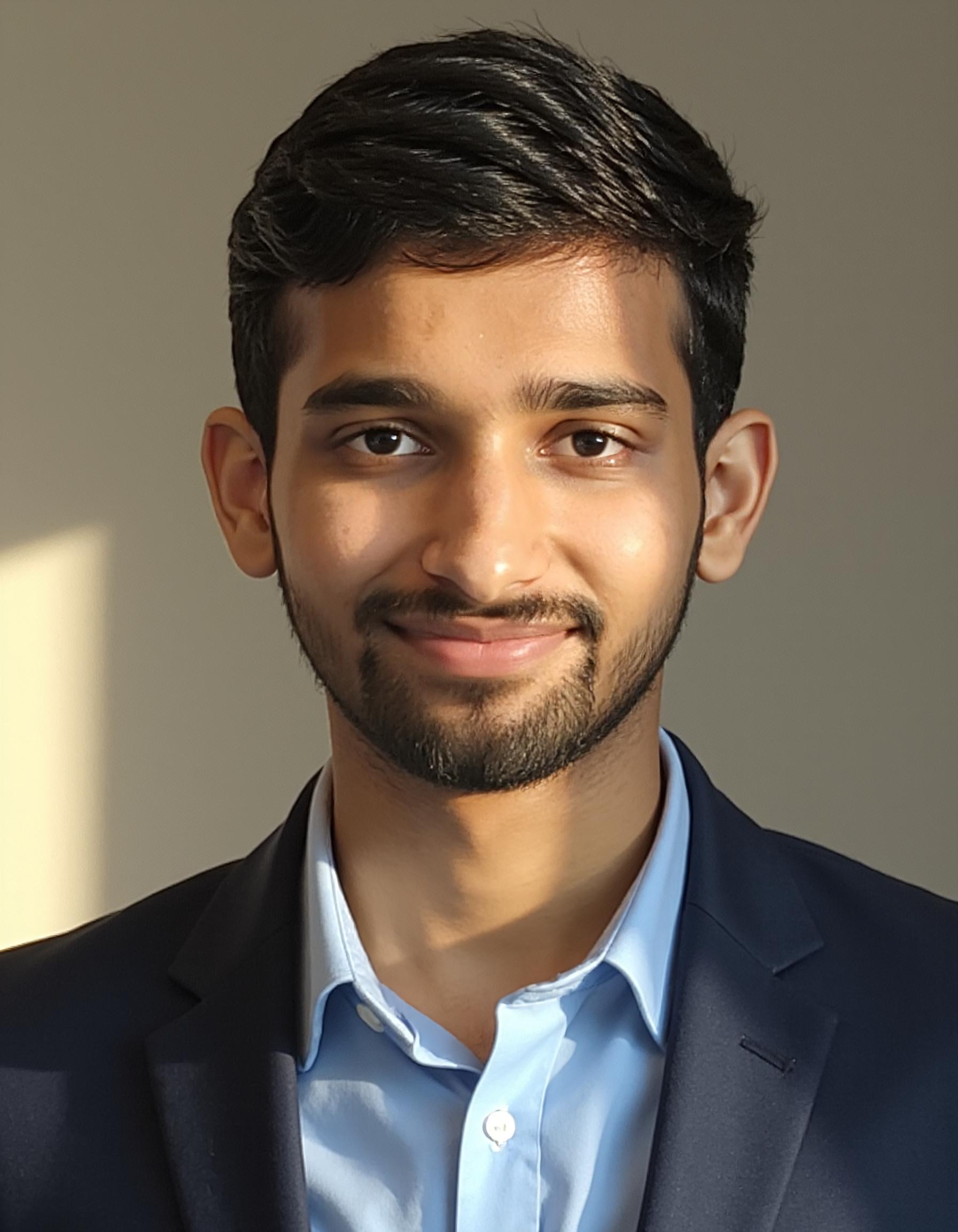
What Are the Drawbacks of AI Headshots?
While AI portraits are fast, polished, and budget-friendly, they do have limitations, especially if you’re using low-end generators. Some things to be aware of:
- AI can miss spontaneous expressions or subtle body language
- Generic styles can make some results feel too polished
- Poorly trained models might carry subtle visual biases
Other AI images worst images
That’s why Glitr gives you customization options, including different outfits, backgrounds, and expressions, to make sure your photos match your vibe, not just the algorithm.
Nano banana AI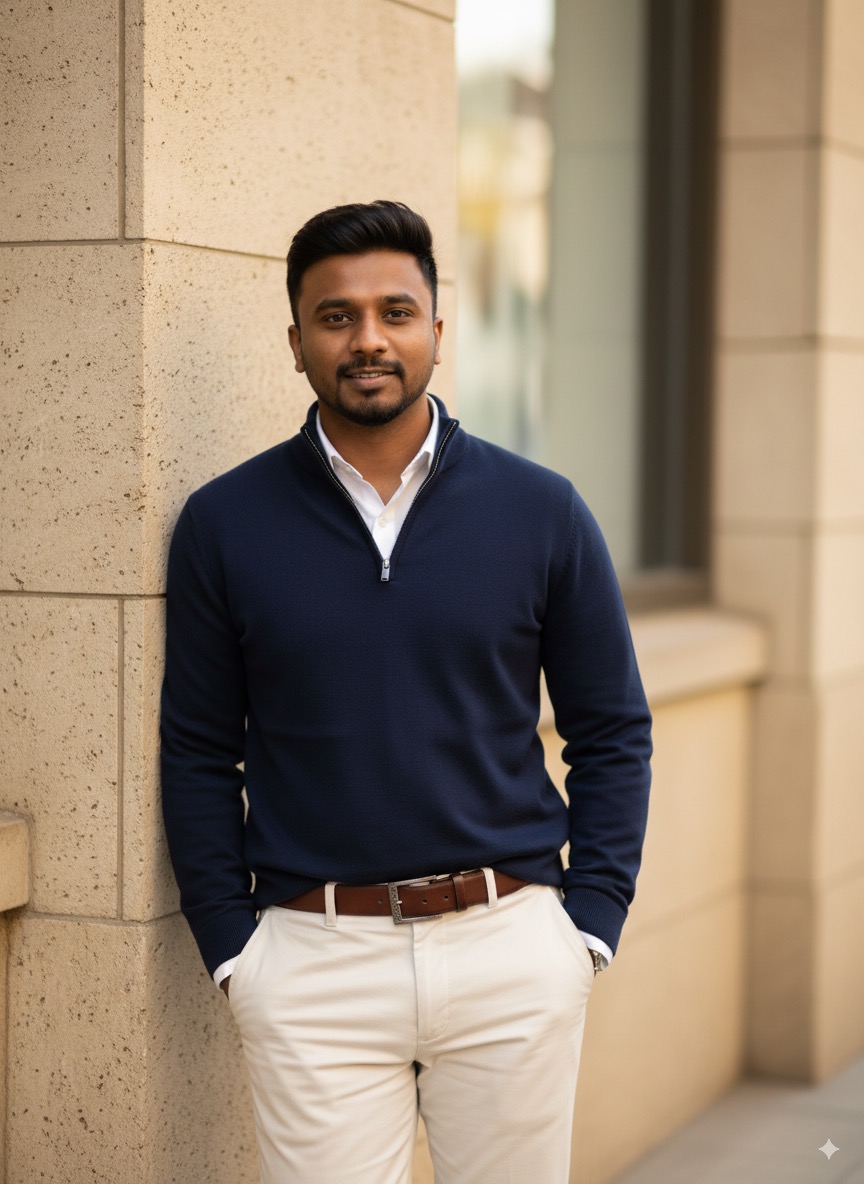 Glitr AI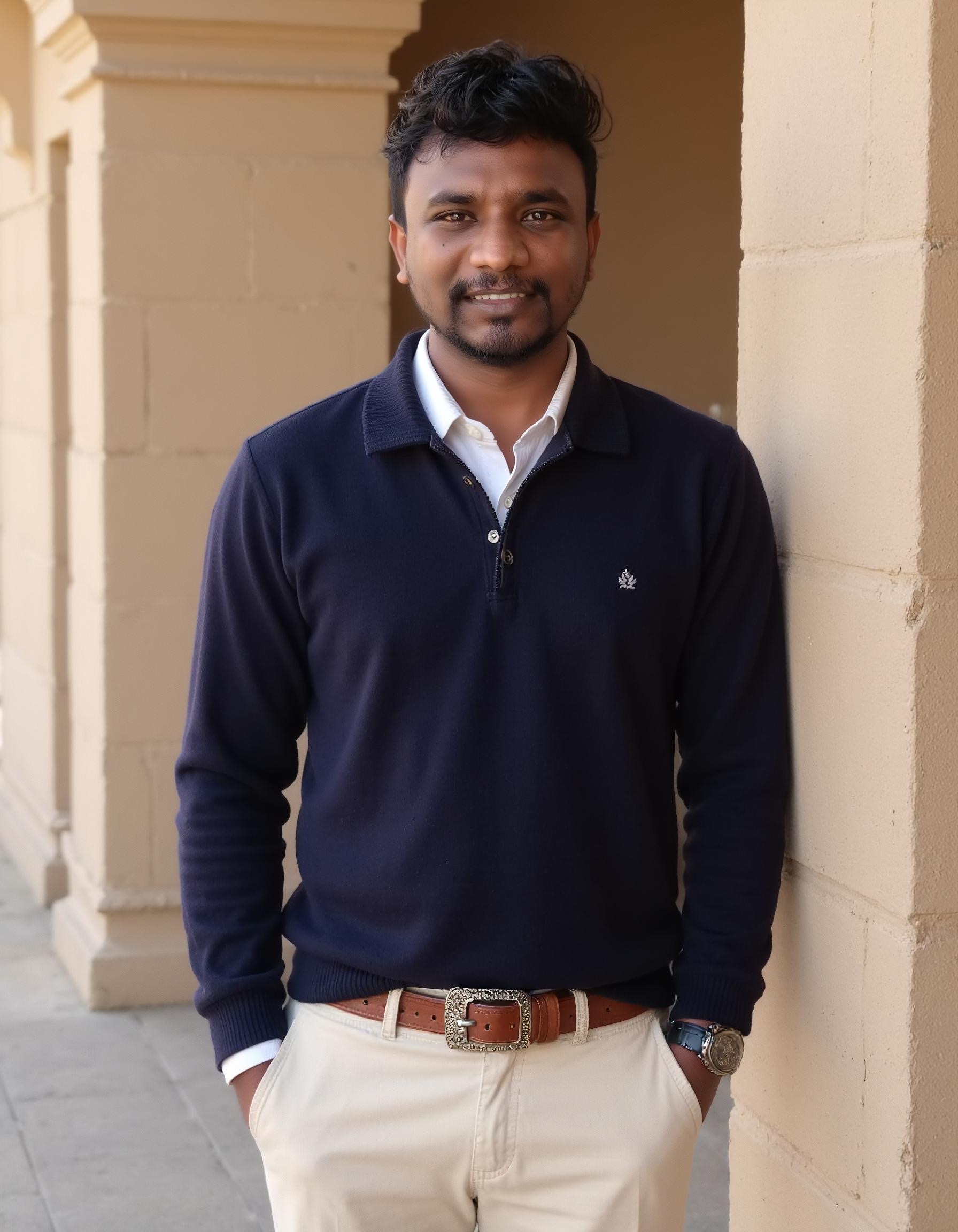
Will AI Replace Real Photographers?
Not at all. Glitr isn’t trying to replace professionals. It's offering a practical alternative for people who:
- Can’t afford ₹5,000–₹10,000 for a shoot
- Need high-quality headshots in a hurry
- Want to try different looks before committing to a shoot
In fact, many photographers now use AI in their own workflows or partner with tools like Glitr to serve clients better.
Which AI Tool Gives the Most Realistic Results?
If you’re looking for realism, speed, and customization: Authentic textures: skin details, hair strands, and lighting
Variety of styles: choose from modern, traditional, or casual backdrops Expression range: smiling, confident, neutral, all included
Speed: images ready in minutes, not hours or days
You get studio-like quality without studio-level effort or pricing.
Is It Okay to Use AI Portraits for Personal Profiles?
Absolutely. AI images are perfect for more than just job hunting. You can use them on: Dating apps and social profiles
- Event posters or invitations
- WhatsApp, Telegram, or Instagram bios
- Matrimonial sites or portfolio headers
Just don’t claim it was taken in a real studio if that matters in your context.
What Makes a Bad Profile Photo?
Whether taken by a photographer or generated by AI, poor headshots share the same problems: Bad lighting or grainy quality
- Distracting background or awkward angle
- No clear eye contact
- Over-editing or obvious filters
AI avoids these by curating your results automatically — you only see the best, most natural-looking photos.
Headshots bad and good images.
How Many Photos Do You Need to Get Started?
To generate realistic headshots, Glitr needs just 4 clear photos of you. We recommend:
- Normal single person photos are enough.
- Make sure your face is clear and upload one full size photo.
This gives the AI enough data to accurately understand your features and create beautiful results.
Should You Smile in Your Headshot?
Yes, especially for professional use. A natural smile: Makes you look more friendly and trustworthy
- Improves engagement on LinkedIn
- Increases profile views and connection requests
Glitr offers you a variety of expressions, so you can pick the one that matches your personality and purpose.
Are There Any Free AI Headshot Tools?
Some apps offer free features, but with trade-offs:
- Watermarked results
- Low-resolution outputs
- Limited customization
- Long wait times
Final Take: Is AI Worth It?
If you want to:
- Upgrade your LinkedIn profile without booking a photographer
- Impress hiring managers or potential dates
- Get studio-quality photos in under 10 minutes
Build a personal brand that actually reflects you — not outdated selfies …then Glitr is your best bet. No appointments. No awkward shoots. No ₹5,000 bills.
Ready to Look Your Best Online? Use Glitr to create best images